“News” on Facebook
Lately I’ve noticed a lot of “news” on Facebook that displays a great deal of bias. In one memorable bit
Read more

Lately I’ve noticed a lot of “news” on Facebook that displays a great deal of bias. In one memorable bit
Read more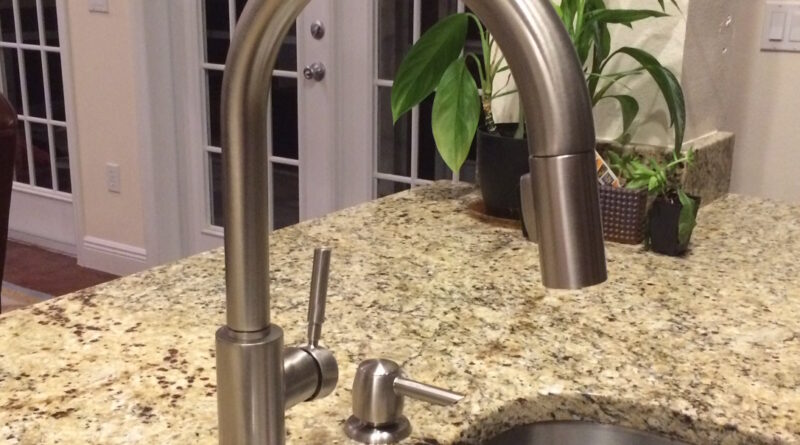
I’m going to wax poetic about our kitchen faucet. Our old faucet failed a week ago (FYI, when faucets fail,
Read more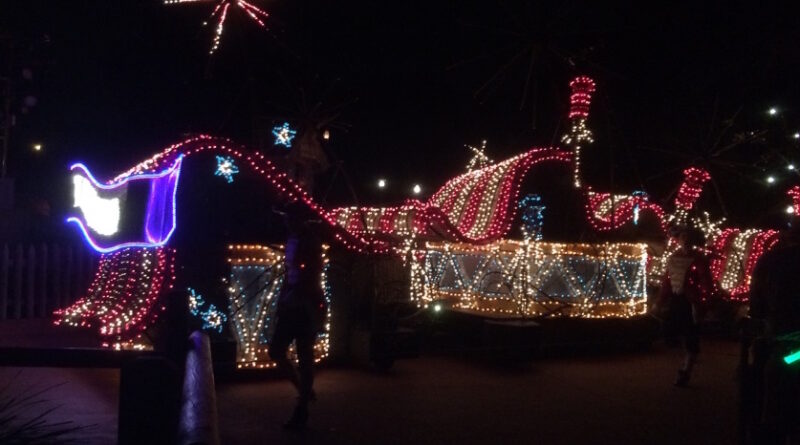
Over the weekend we visited the Magic Kingdom as a family. After riding Splash Mountain, Callum and I were walking
Read more
I had to do it.
Read more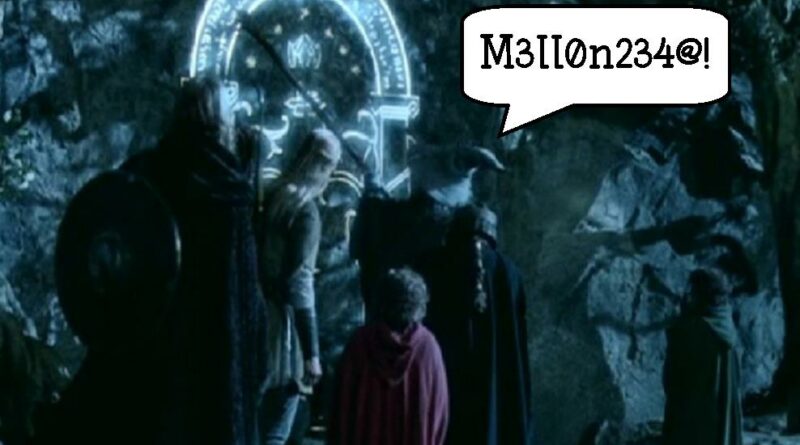
If the Mines of Moria had had better security.
Read more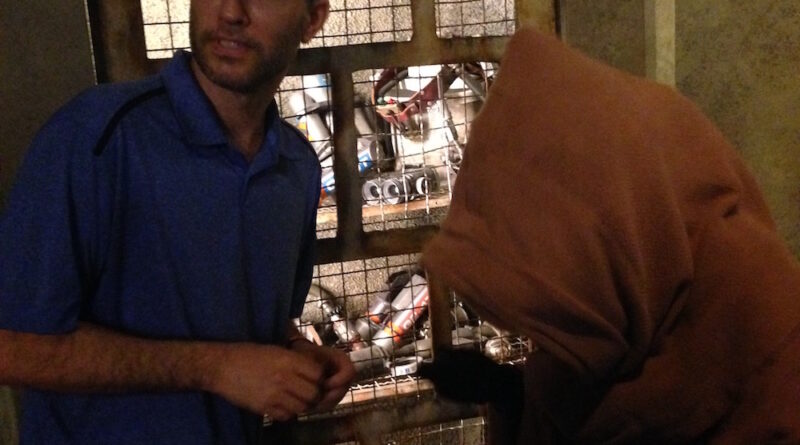
This evening we checked out the Star Wars Launch Bay at Disney World’s Hollywood Studios. We got pictures taken with
Read more
People don’t blog as much as they did back in the day. Nowadays people rely more on social media sites
Read moreAt 11:30 AM I got the call to head to Redgrave’s Children’s Home. Three children had been accidentally poisoned. The
Read more
It should come as no surprise to anyone that I spend a lot of time on the computer. And a
Read more
On the off chance I don’t make it through tomorrow (because hey – you never know), I wanted to mention
Read more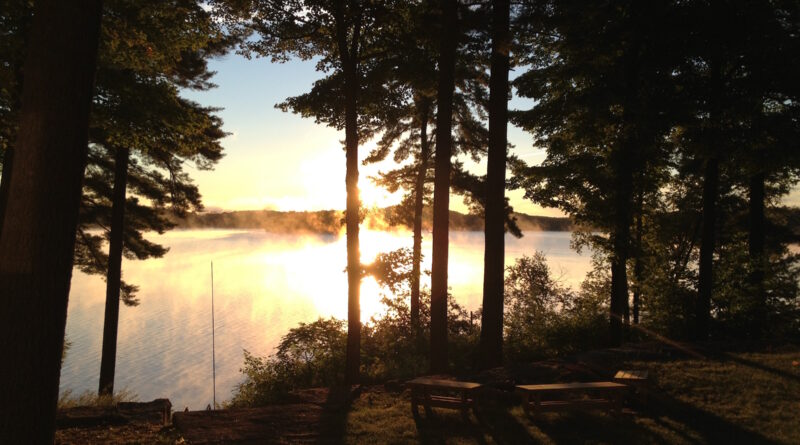
Callum spent a good chunk of Saturday searching for various tips, tricks, and exploits to do speed-runs of different Portal
Read more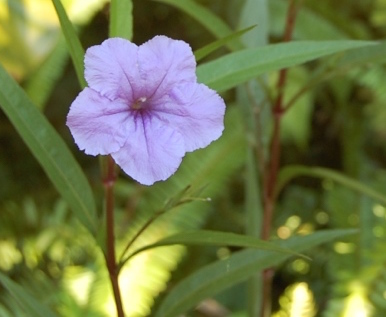
It is amazing all the simple beauty that surrounds us every day that we don’t notice when we aren’t paying
Read more
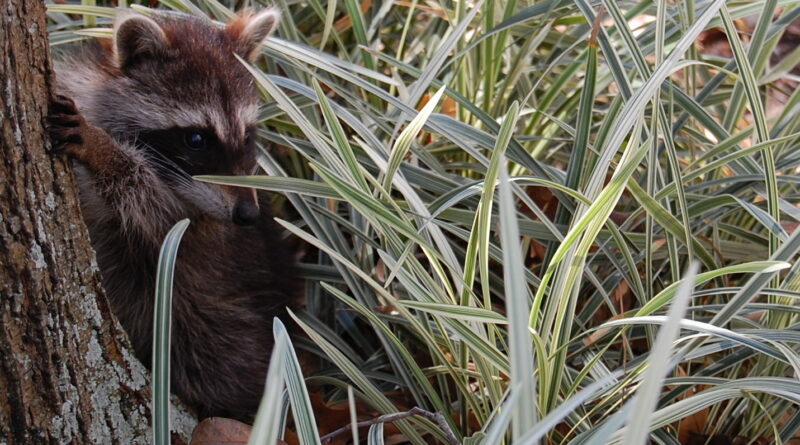
The other day I was on a morning walk with Lilou, our Shetland Sheepdog, when I came across a neighbor
Read more
Influence: The Psychology of Persuasion is a fascinating book. In it, psychology professor Dr. Robert Cialdini explains the way people
Read more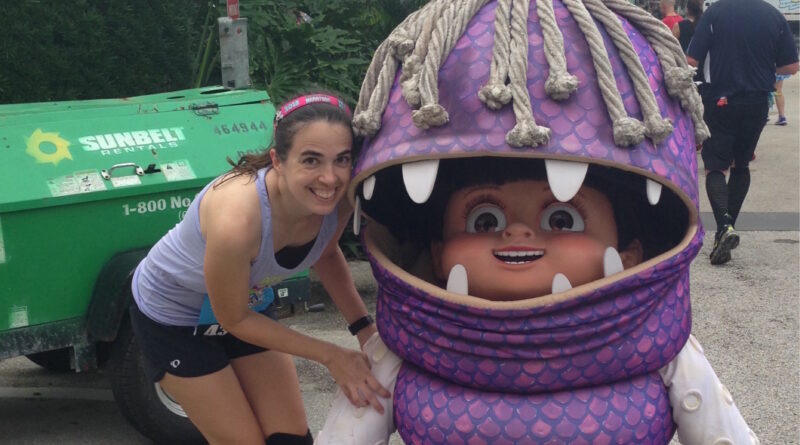
But Yvonne is. She’s been sending me pictures of herself at the race since five o’clock this morning. It has
Read more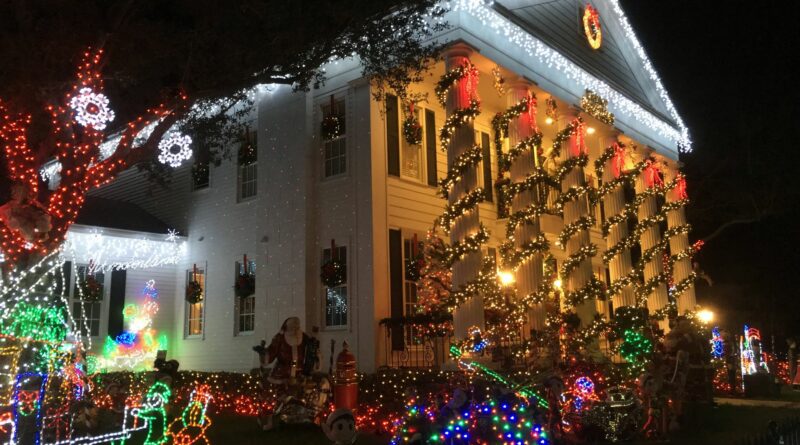
It’s Christmas Eve! I have to admit, I love the holiday season. People are generally filled with excitement and anticipation,
Read more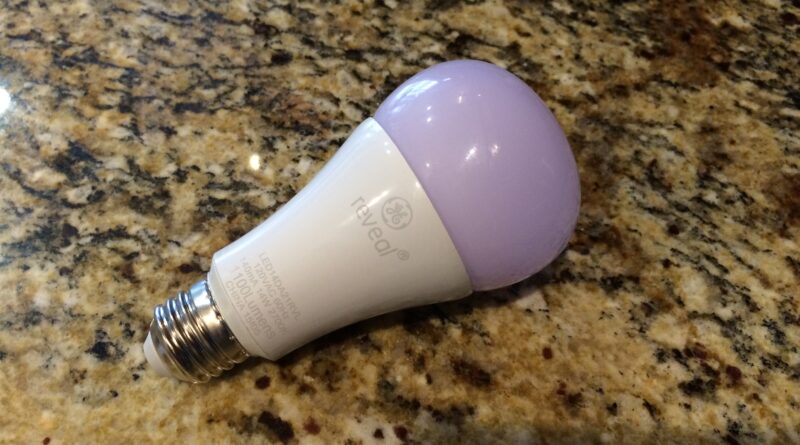
I don’t often talk about lightbulbs. But when I do, I do it on this blog. Nearly eight years ago
Read more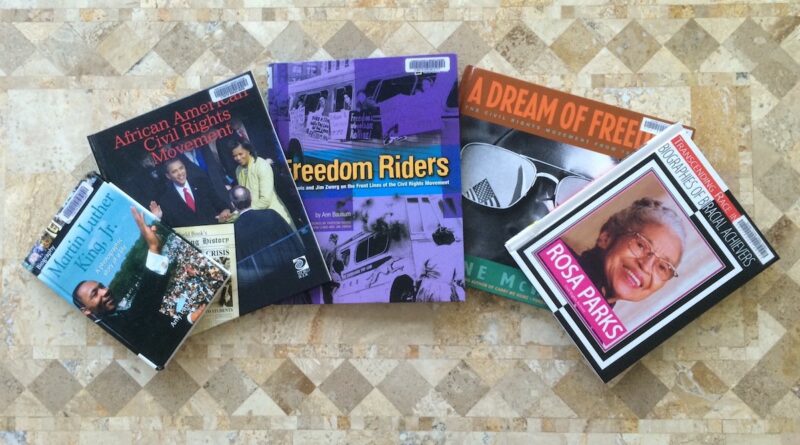
A few months ago I read through several books for kids about the Space Race. Now I’m reading about the
Read moreA world in turmoil There’s a lot going on in the world today. Syrian refugees, ISIS, illegal immigrants, Donald Trump,
Read more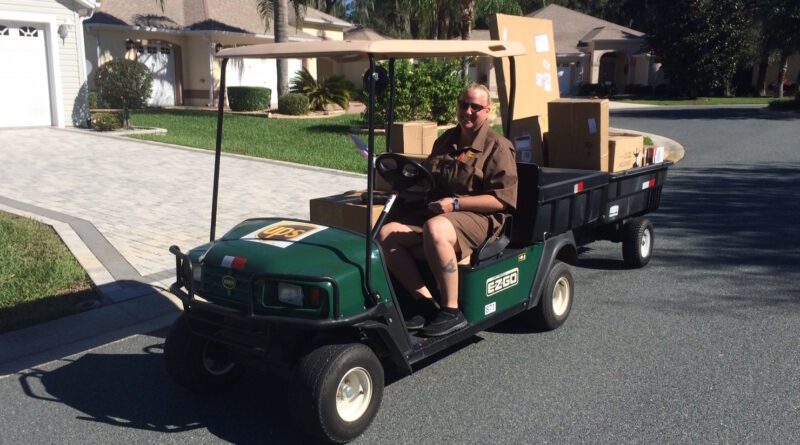
… would UPS drivers deliver packages in golf carts!
Read more
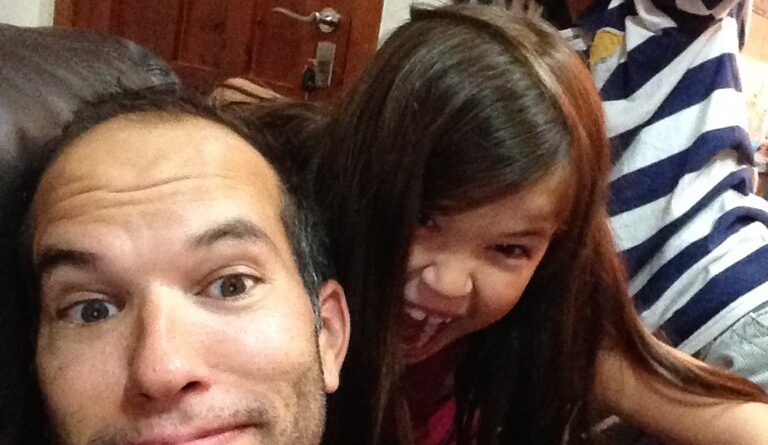
How awesome are they? This was from Spain two years ago.
Read more
Halloween is this weekend, and it’s got everybody talking about costumes and what they’re going to wear. It also reminded
Read more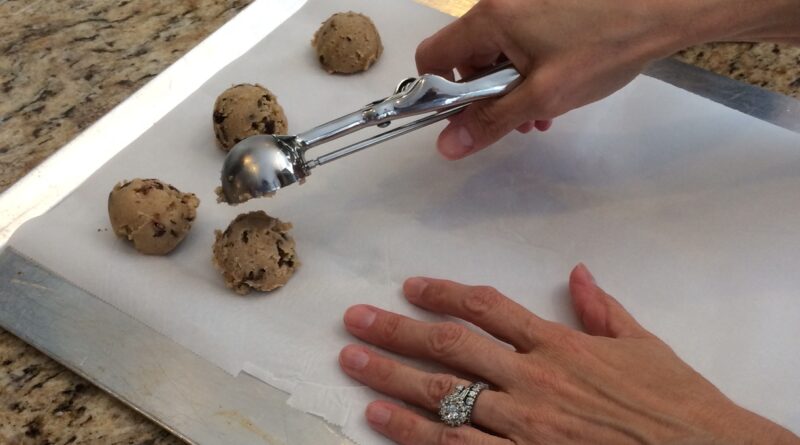
So the other day we were at Jan’s house for a get-together, and she started to make us some chocolate
Read more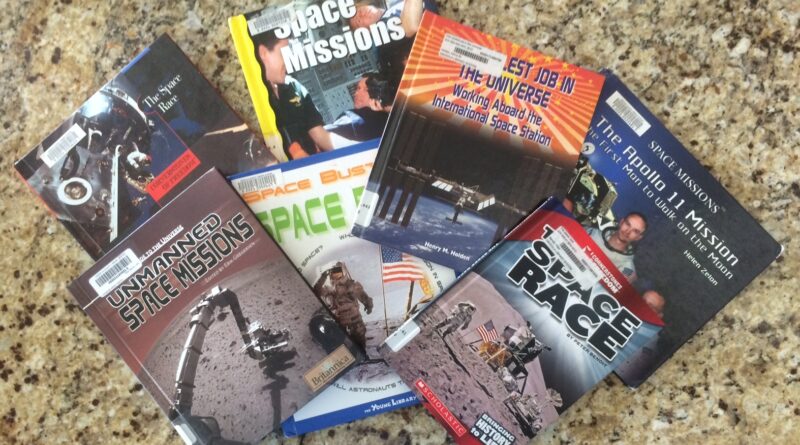
I’ve been going through all sorts of kids books about the United States space program for a project I’ve been
Read more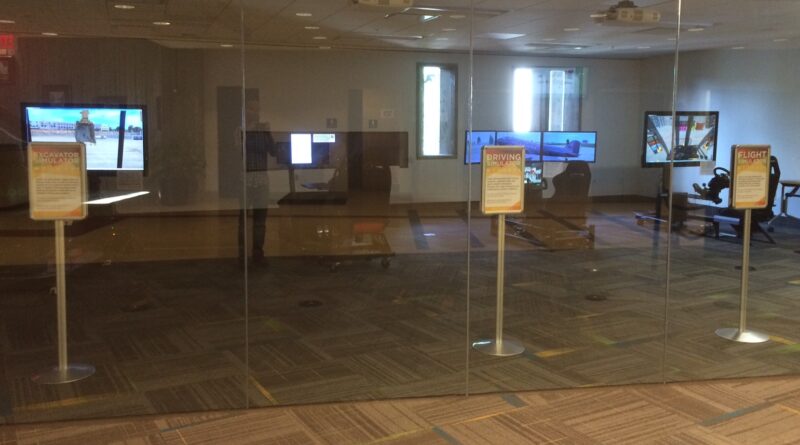

The Gringotts dragon at The Wizarding World of Harry Potter never fails to turn heads! Here are some crowds getting
Read more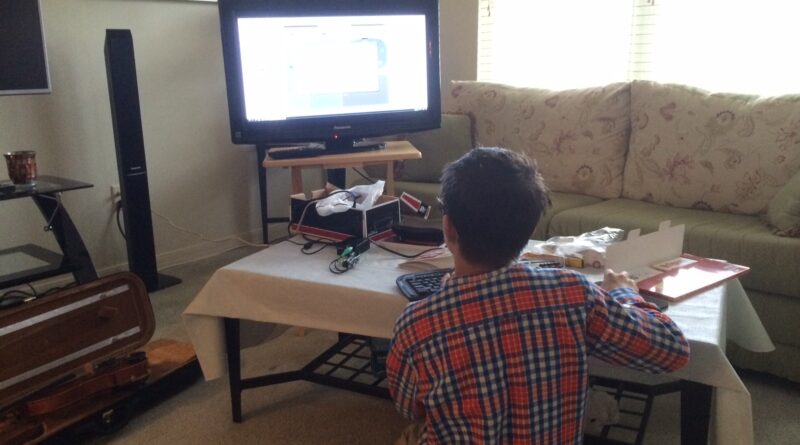
Callum got a Raspberry Pi late last year (just before Christmas – I’m not sure if Santa would have been
Read more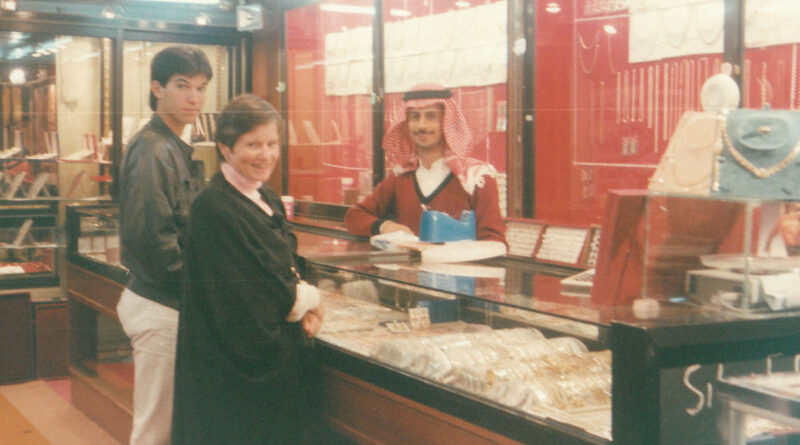
When I was in high school, my family lived for a while in Saudi Arabia. My father was working for
Read more
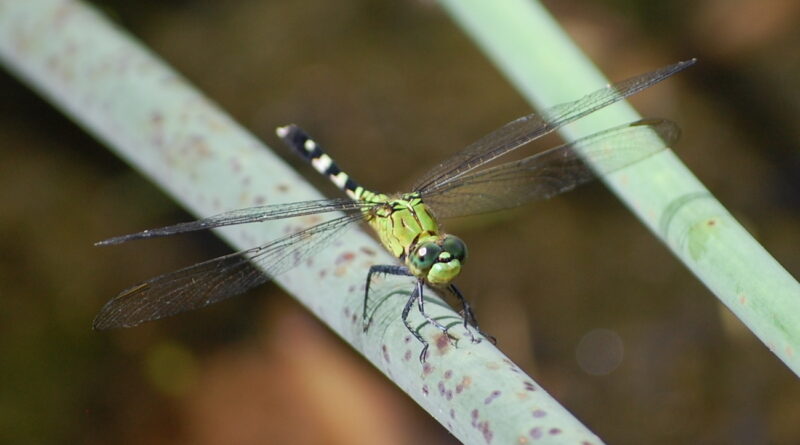
My father got himself a new DSLR camera just before his cruise along the scenic rivers of Germany and the
Read moreIt’s time to edit my book. Editing is tough. When you’re initially writing your manuscript, people will tell you, “Just
Read more
In a previous post, I mentioned that we’ve been getting into running as a family. It’s a great way to
Read more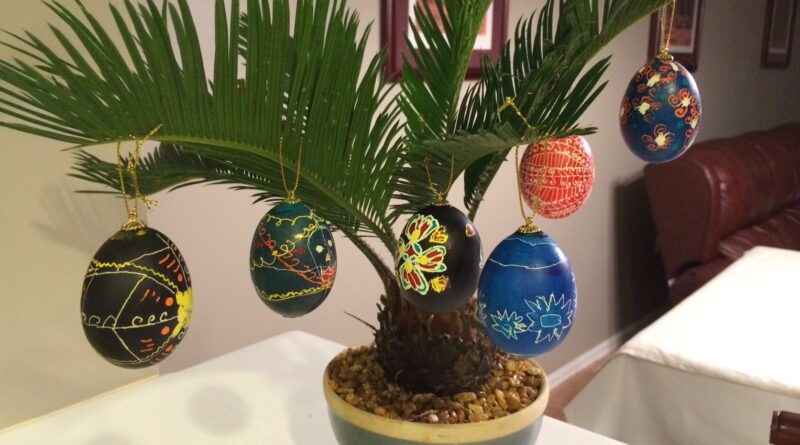
Today is Easter Sunday, and Yvonne and the kids have been busy decorating Ukrainian Easter eggs (pysanky). Creating them is
Read moreLately we’ve been venturing outside for frequent family walks. We’re big fans of nature (especially Callum – he loves checking
Read more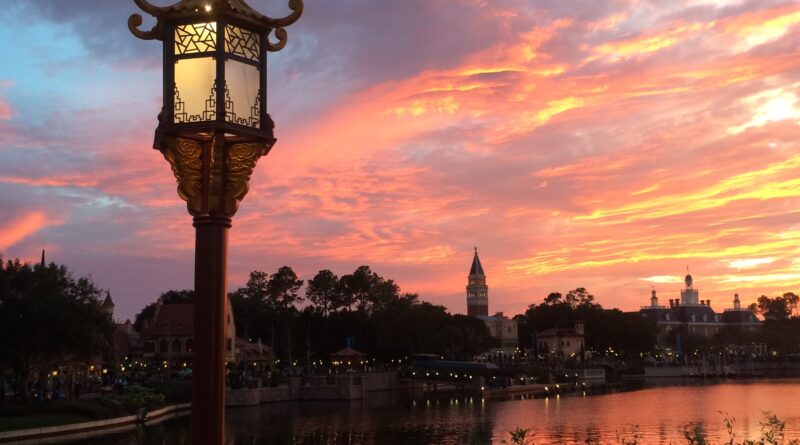
How often can one family go to Disneyworld? We may be in the process of finding out. We live quite
Read more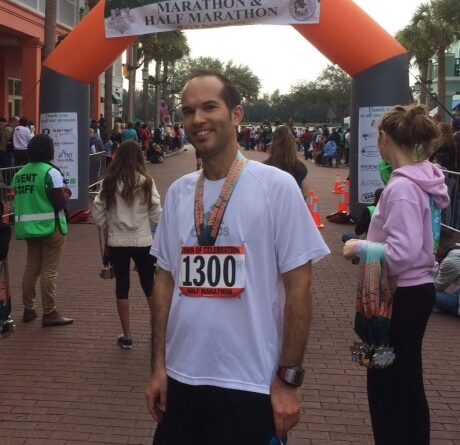
Lately, Yvonne has really been getting into running. A few years ago she ran a half-marathon in Alaska with Team
Read more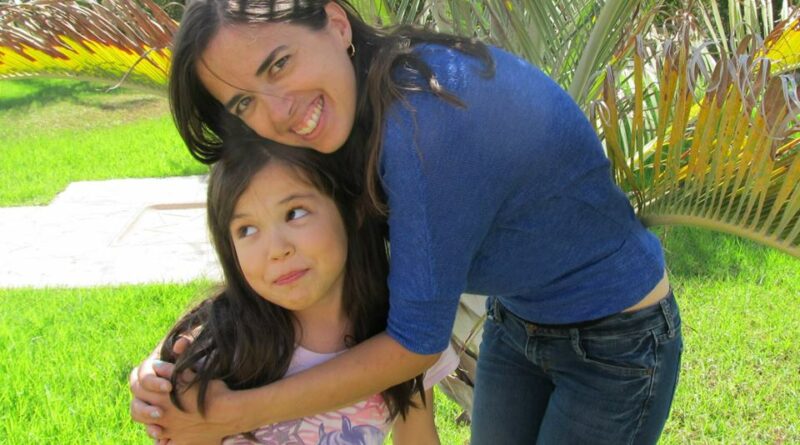
There are a few pictures of the family that I meant to post to this site late last year, but
Read moreThe other day someone shared a post showing a list of the various states (and overseas territories) of the United
Read more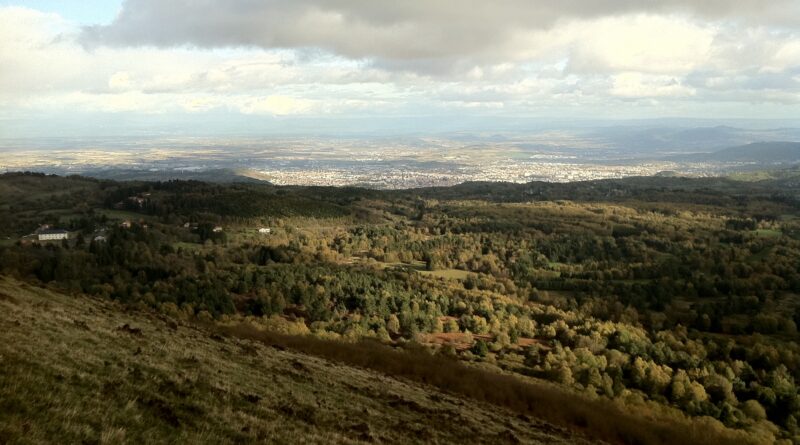
Back in 2005 and 2006 I completed a Masters program at ESC Clermont in Auvergne, France. This week, I’m back
Read more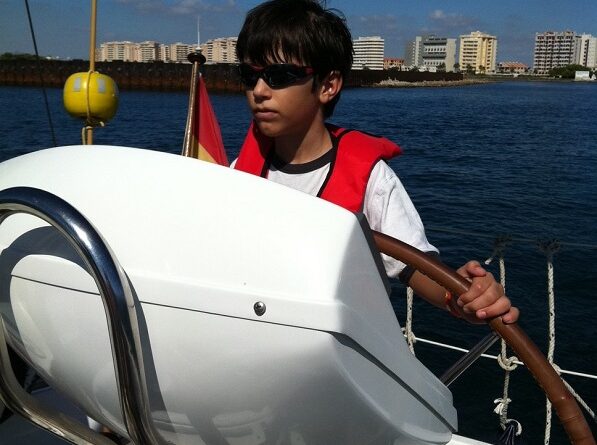
Back in college I took a sailing course. Yup, I got college credit for cruising around Charleston harbor on sunny
Read more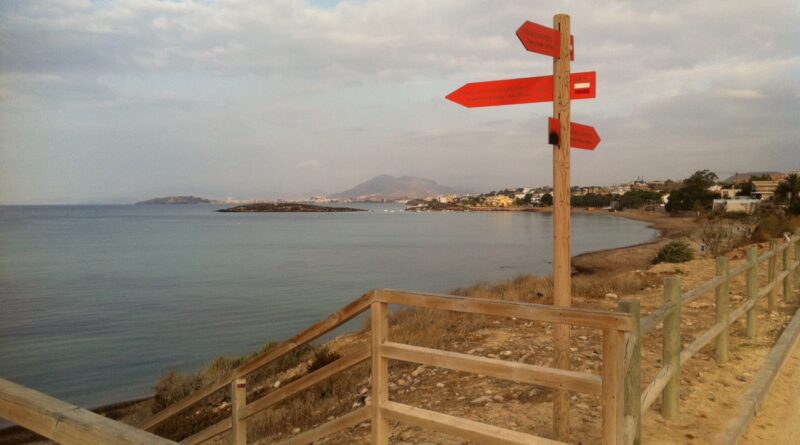
For the past few years I’ve been running for exercise. I try to get out there every day, or at
Read more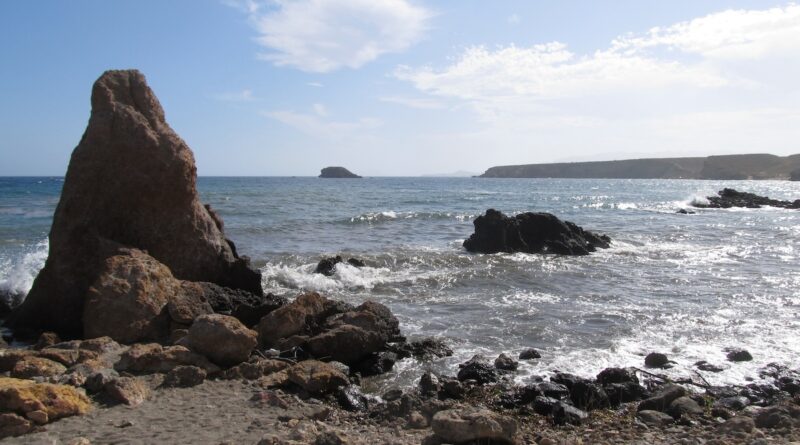
It has been a busy couple of months! During May, June, and July I managed a six-week project in Paris.
Read more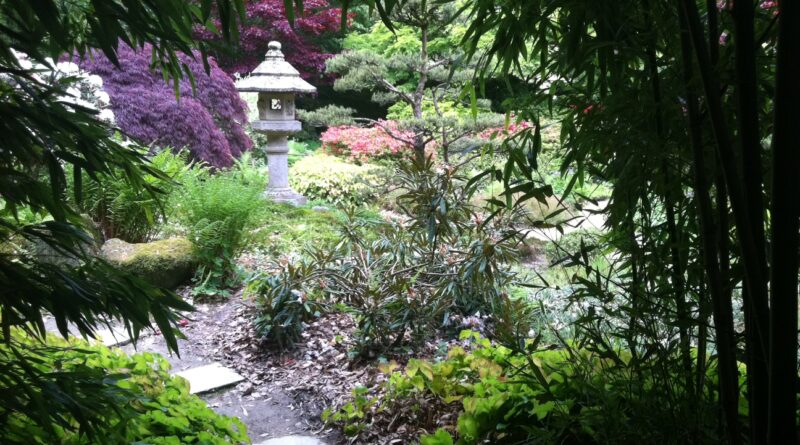
I’ve been sharing plenty of nature photos lately… pictures from leisurely walks in the woods, from lazy afternoons spent wandering
Read more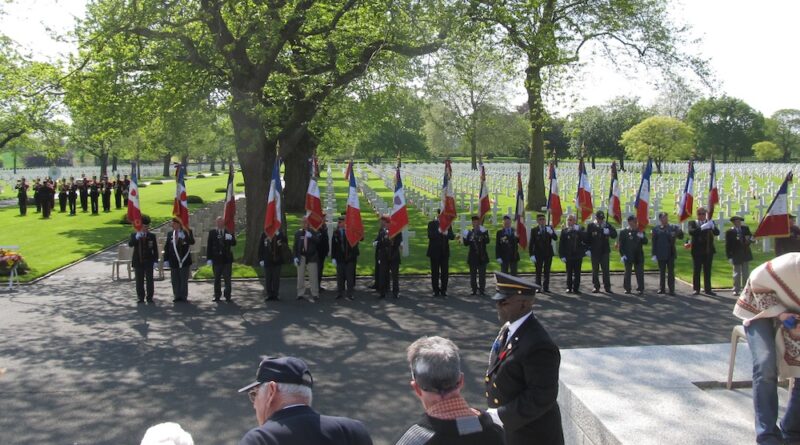
Today is Memorial Day, a day to remember those men and women who died while serving in the United States
Read moreAmelia and I took a walk around our local town of Saint Hilaire du Harcouët, in Basse-Normandie, France. We shot
Read more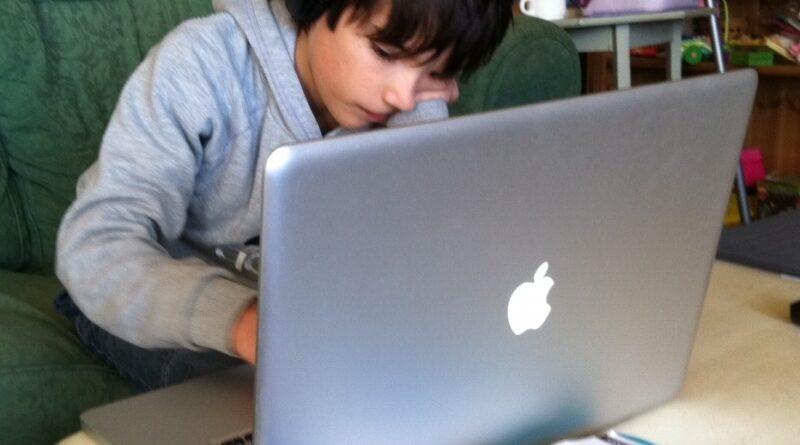
So here we are in France, and it’s been great! But we never planned for it to be forever… our
Read more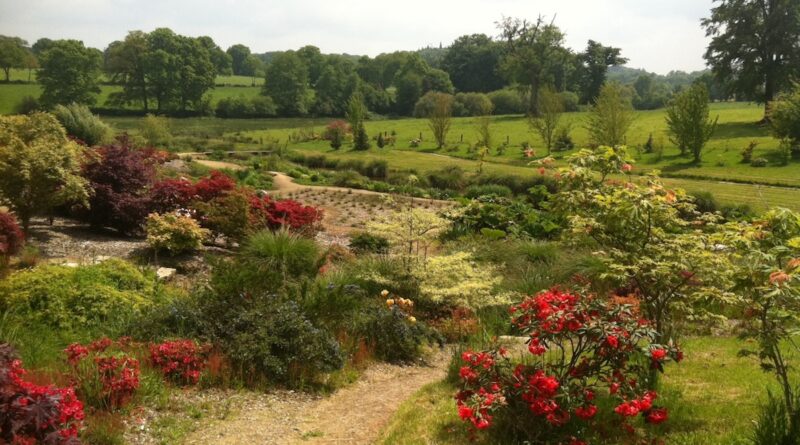
So after several months of not blogging, I’ve returned to updating my blog every now and then during the early
Read more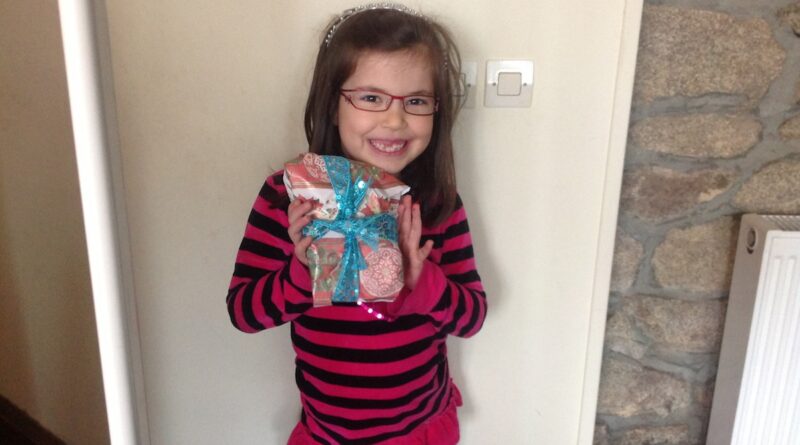
This evening, Amelia lost her third top front tooth. She’s been missing one of her two front teeth for several
Read more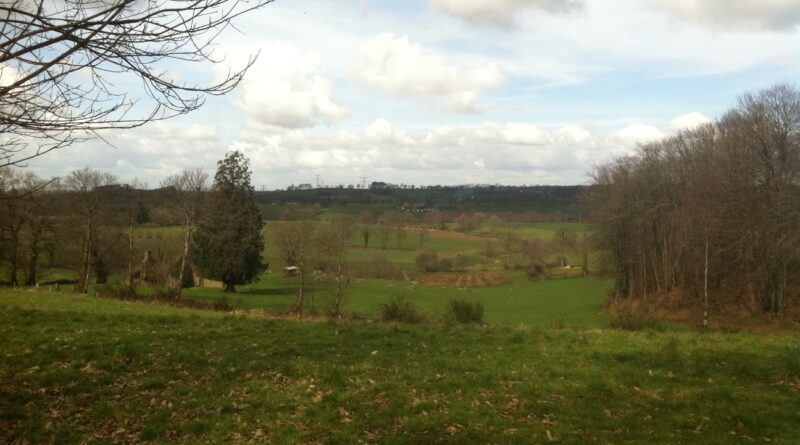
This past Saturday was one of the nicest days we’ve seen here in northwestern France in 2013. Today is certainly
Read more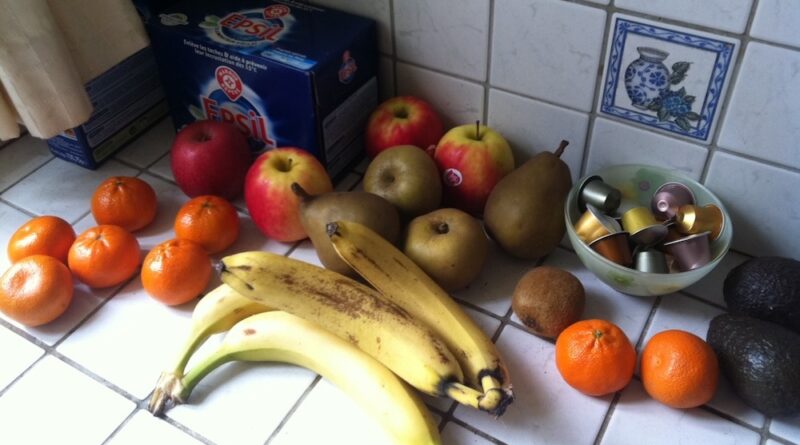
lately, I’ve been getting into the habit of making good habits. And of all the habits that I’ve been making,
Read more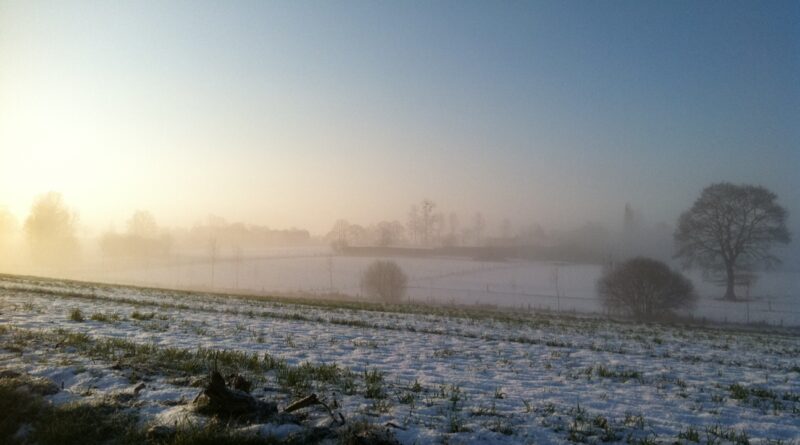
the weather this past week has been bizarre. Saturday afternoon it was warm and mild (as evidenced by my previous
Read more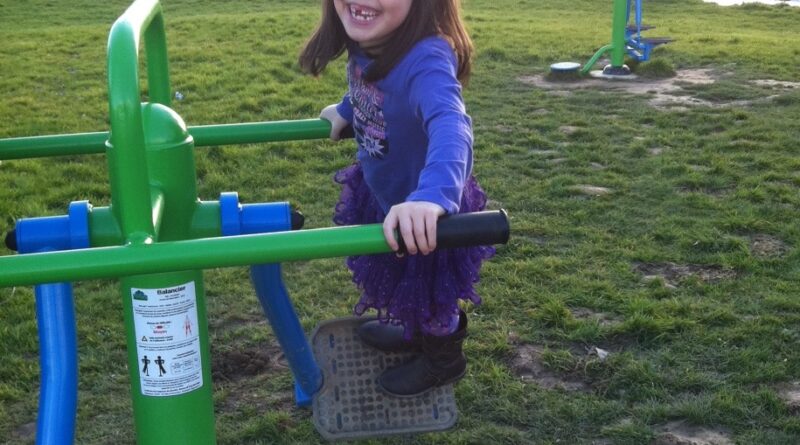
yesterday we went on a walk through the public park in the center of Saint-Hilaire-du-Harcouët. While we were there, Mia
Read more
For the past two weeks I’ve been subscribed to BookBub, a free service that delivers daily deals on digital books
Read more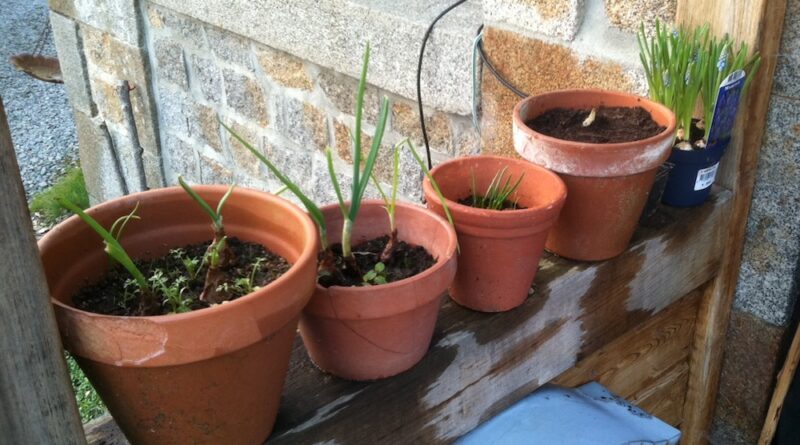
it’s that time of year again… the time when the persistent nip leaves the air, the sun starts lingering in
Read more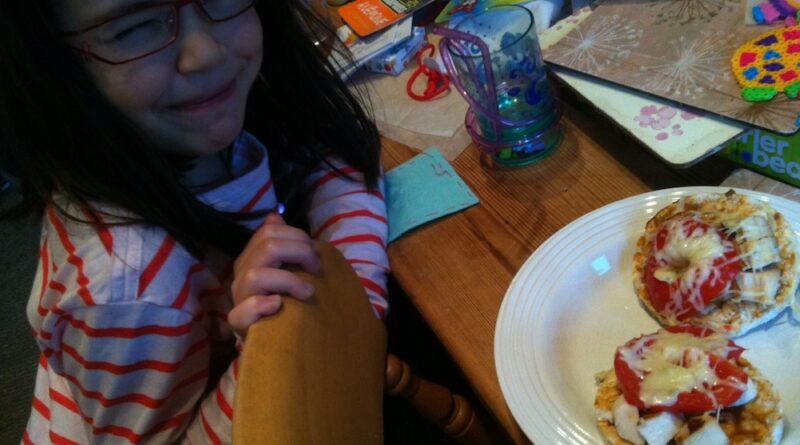
while Callum and I spent some time outside doing a little gardening, Yvonne and Amelia made some gluten-free rice cake
Read more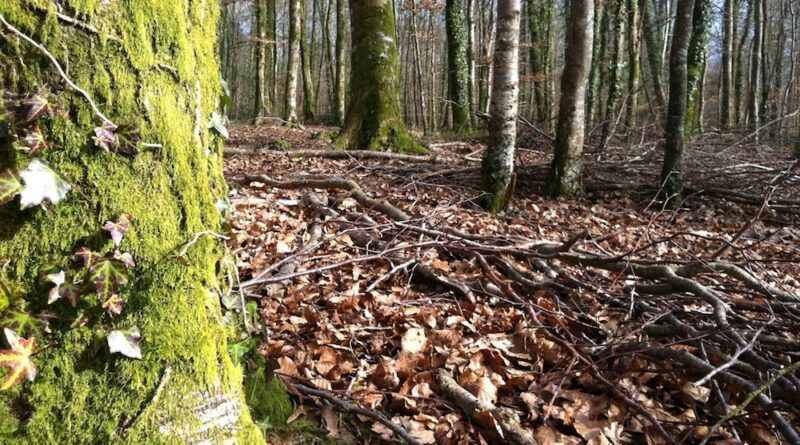
today was a pretty nice (albeit somewhat chilly) day, so we spent the afternoon at the forest of Fougères in
Read more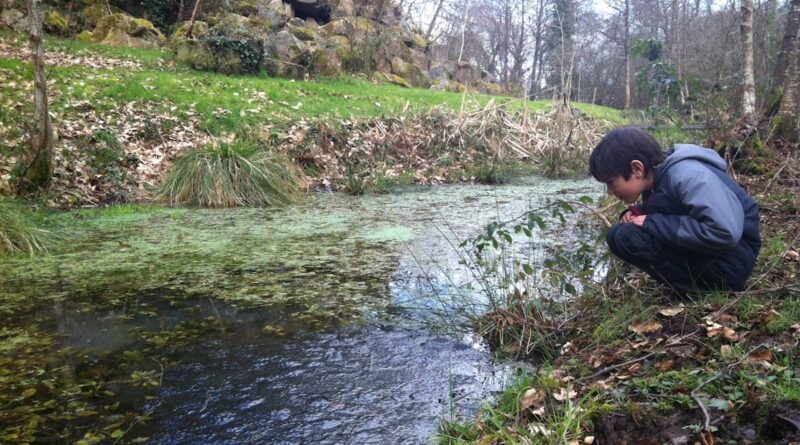
It’s the middle of February, and the rainy, gloomy days typical of winter here in northwest France are winding down.
Read more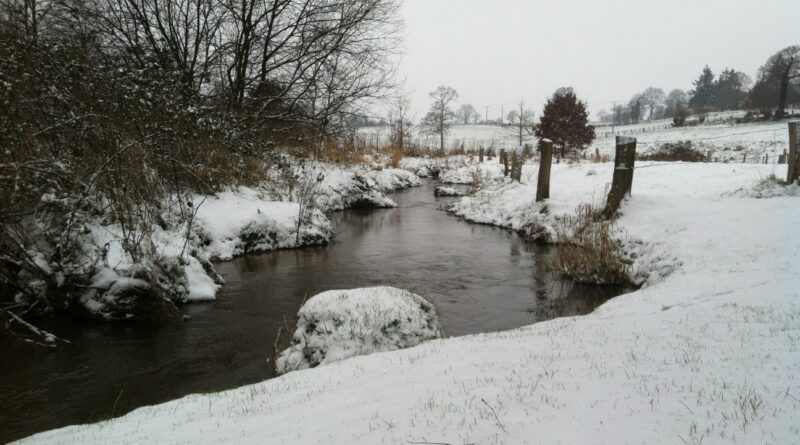
I just got back from a run in the countryside. It was a bit chilly out there – the snow’s
Read more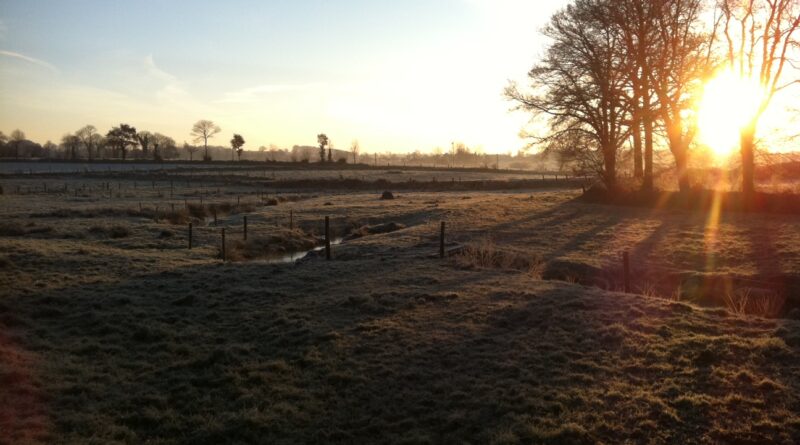
the reason I say almost winter in Normandy is because technically winter doesn’t start until December 21st. I always get
Read more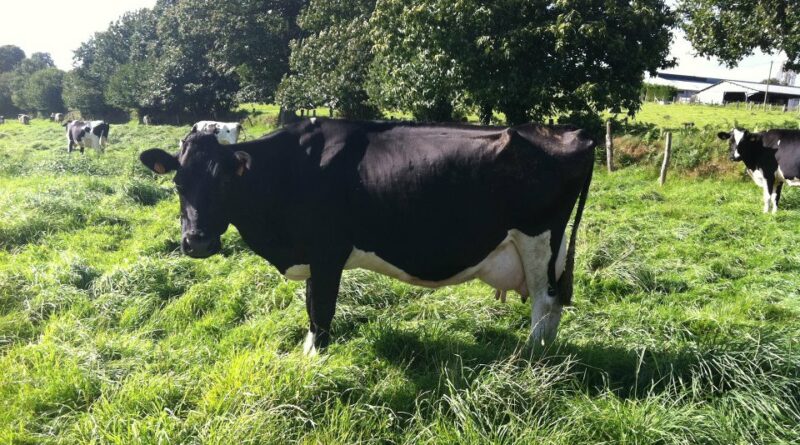
I live in farmland, where I get to learn a lot about cows, if only because they’re my closest neighbors.
Read more
another year has passed, and we’re still living in Normandy. The kids are well on their way to being bilingual
Read more
today I’ve started using the WordPress Image Uploader to upload and manipulate images. Up until now I’ve resisted doing so
Read more

positives and negatives I tend to try to keep my blog positive – people generally don’t want to read about
Read more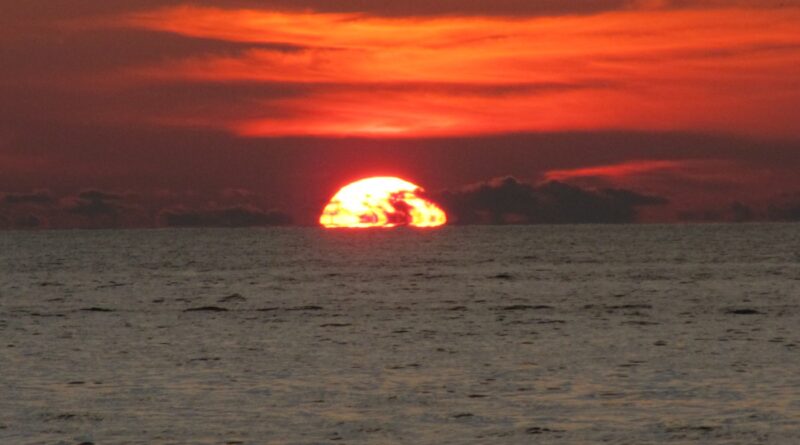
for the past week I’ve been staying in Penang in Malaysia, working for a client located here on the island.
Read more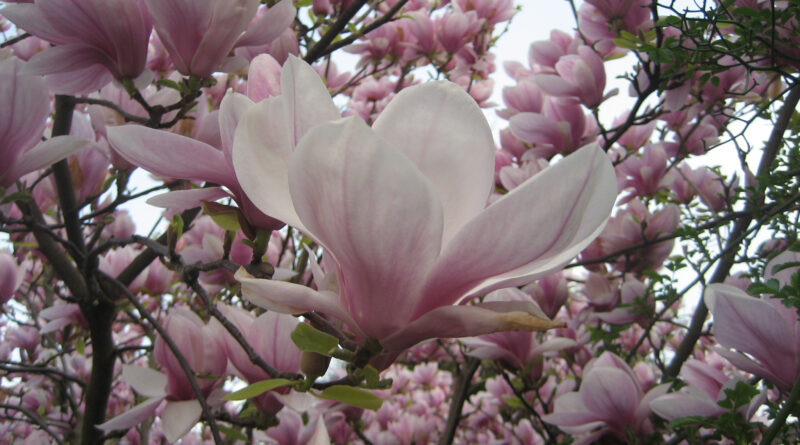
spring has arrived in Paris, and the flowers are in bloom. I don’t recall having been to Paris in the
Read more
today marks the day that we’ve officially been living in Paris for a month, so it’s about time for a
Read moreThis evening I took a quick trip to the Carrefour, the local grocery store here in our (temporary) neighborhood in
Read moreI spent my last two weeks in Toronto, completing some training for my new position at Varicent. I had a
Read moreexciting news – we’re moving back to France! I’m going to be working for Varicent, a software company based in
Read more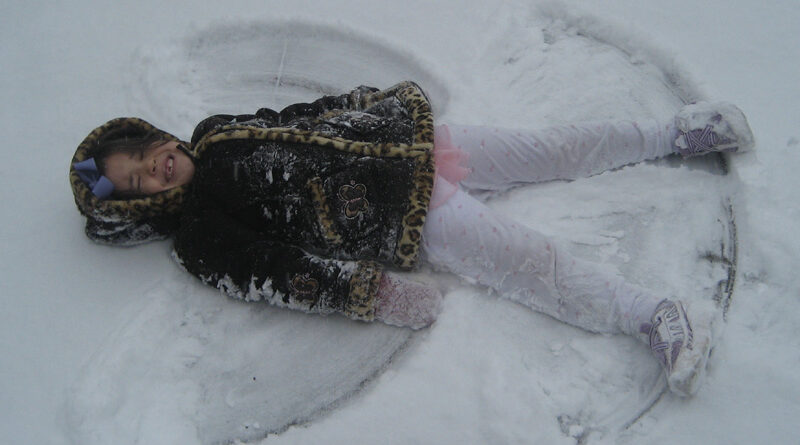
as I mentioned in my last post, we spent Christmas in Johnson City, Tennessee, with Yvonne’s older brother Robert and
Read more
we’re in Johnson City, Tennessee, visiting with Yvonne’s brother Robert and his roommate Gerry. It’s a five and a half
Read moreprepare to be amazed, my friends. okay, so only slightly underwhelming. this is a traffic light electronics kit I bought
Read moreLast night I went to the local Barnes & Noble to meet up with a group of local writers here
Read more
last week we returned to Disneyworld for a week – the first time around we bought annual passes (which are
Read moreThere are two polarized schools of thought when it comes to writing novels. School of thought number one’s followers believe
Read moreWriting is a lot like tennis. Actually, writing is not much like tennis at all, except for the part where
Read morelately I’ve been getting back into writing fiction, something that for many years was part of my daily routine, but
Read morelately I’ve lost over 7% of my body weight in an almost embarrassingly short period of time, and I am
Read more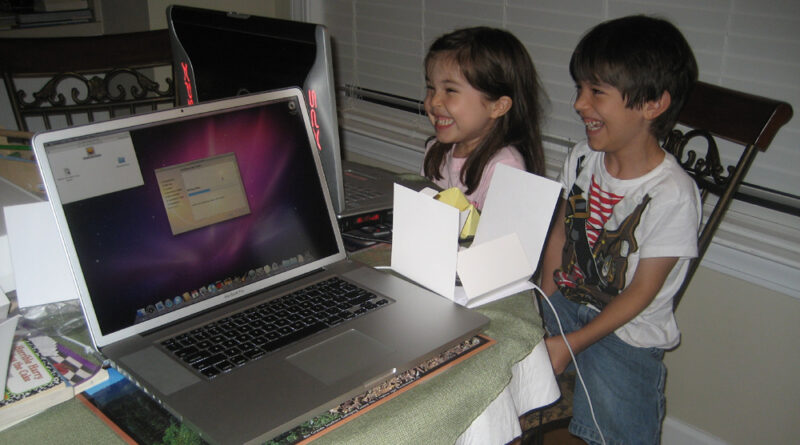
for the past several months we’ve been letting Mia’s bangs grow out. As such, her hair’s been looking like that
Read more
here’s a picture of Mia at the Princess Dinner at Norway in the Epcot World Showcase. You’ll notice that Mia
Read more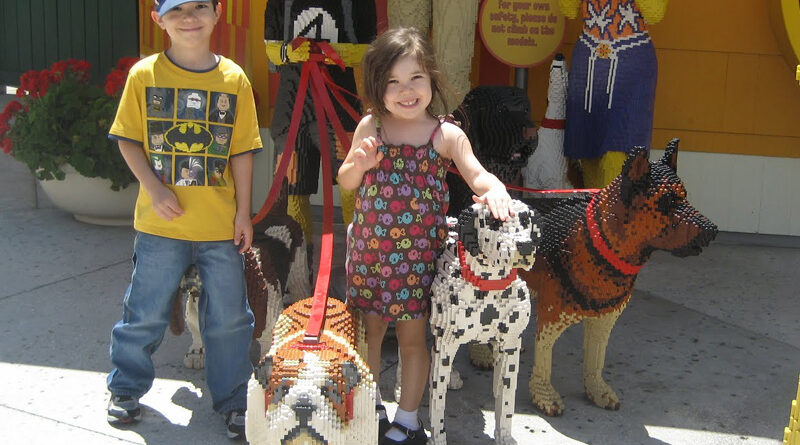
the week before we took the family to Disneyworld. It was of course pretty fun, and everyone had a great
Read moreyesterday morning was Bring Your Child to Work Day here at Blackbaud, and I brought my eldest son for half
Read more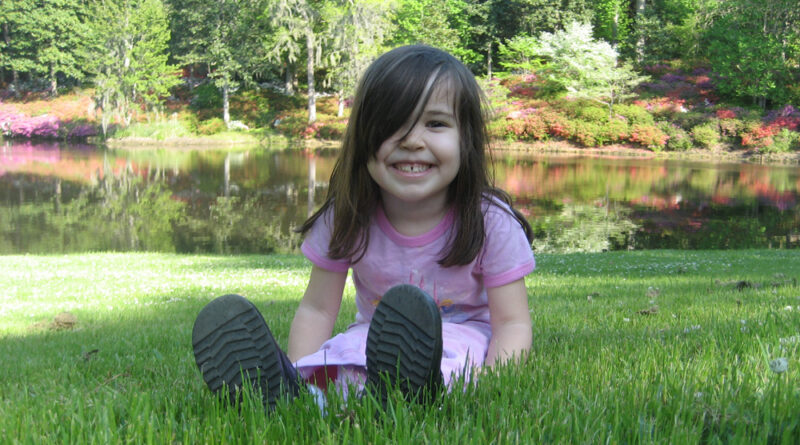
here in South Carolina one of the nicest times of year is that short window during the springtime when the
Read morehow to get the kids to do their chores in the Crawford household: Issue the order something like this: “Autobots,
Read more
Callum, who is 6 (now almost 7), has been taking weekly violin lessons since last fall with some music teachers
Read morea few days ago while the 2010 Olympics were in progress I posted this tally of how many Olympic medals
Read moreEdit: I’ve updated this list – see the final results for the 2010 Olympics medals per capita. currently, the United
Read more
this afternoon I took the two eldest kids to the Charleston Beer Exchange (don’t worry, we also took a nice
Read moreMia chats with a pretend friend on her plastic phone. happy Super Bowl Sunday!
Read more